
Automatic Zoom
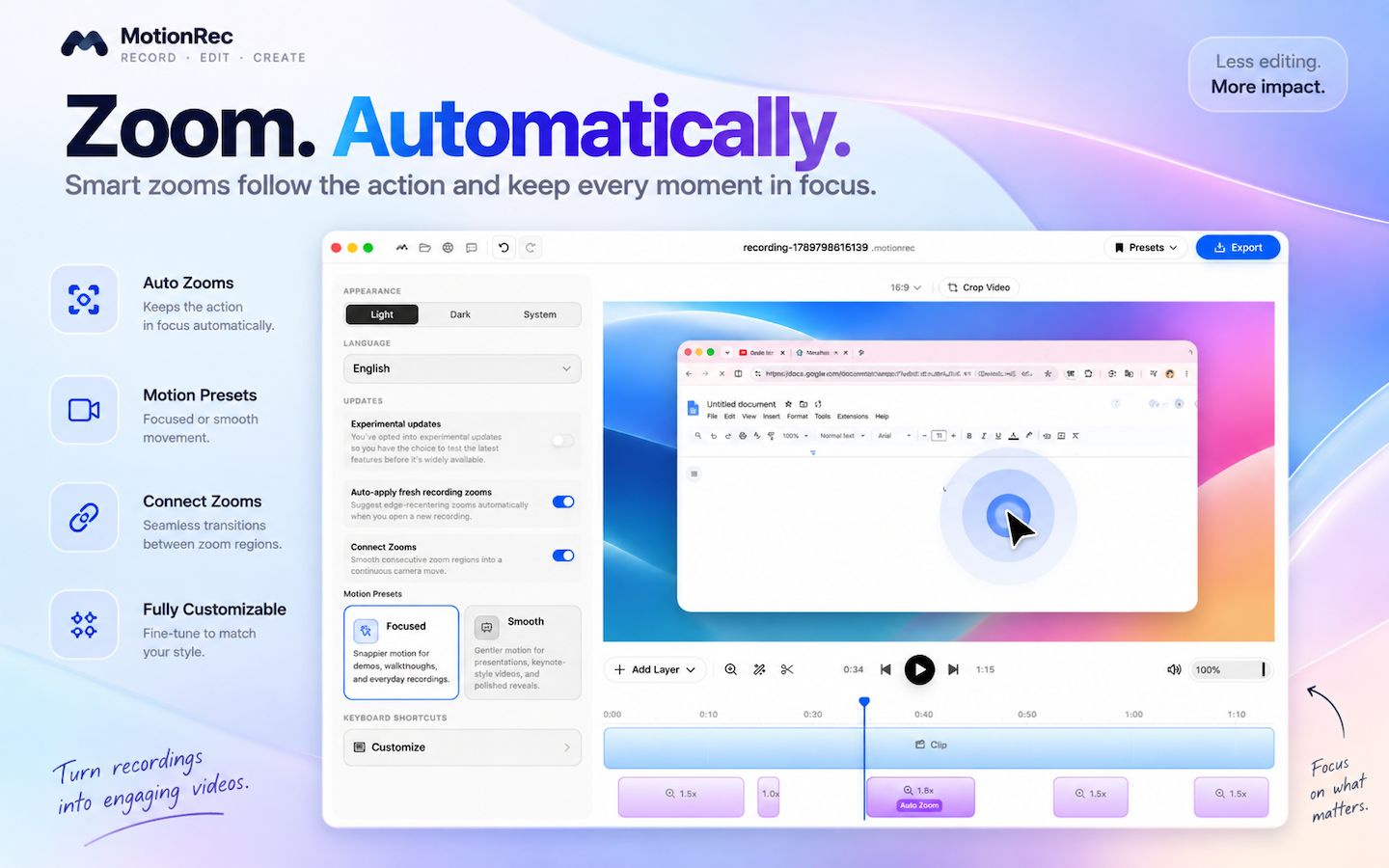
Automatically focus on important clicks and interactions.

MotionRec for Mac
Create polished screen recordings with automatic zoom, smooth motion, beautiful backgrounds, camera, audio, captions and powerful editing tools.
Mac App Store download will appear here once the public listing is live.
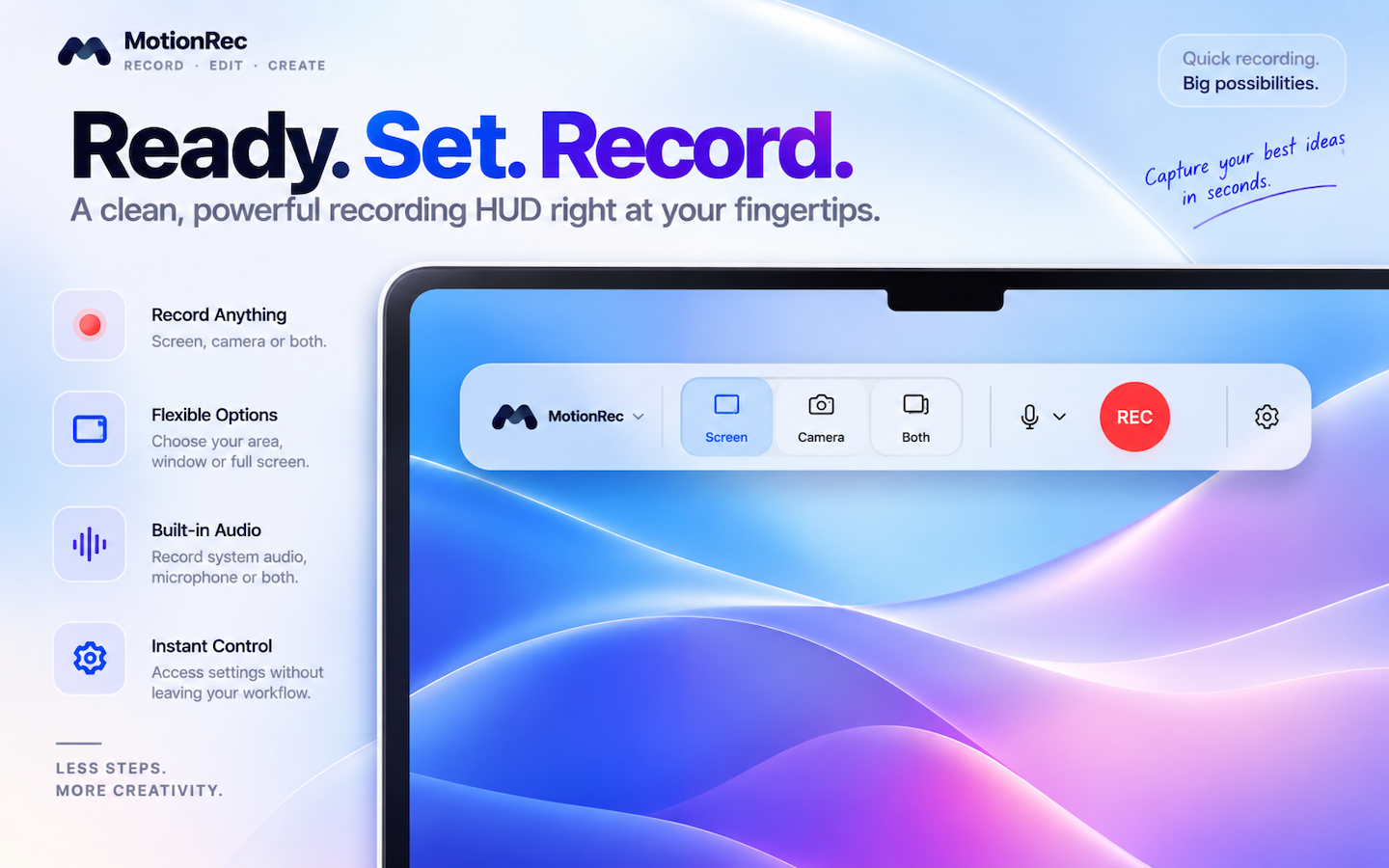
Product Preview
A clean recording HUD and a full editor—so you can capture, polish, and share without leaving MotionRec.
Step 1
Screen, camera, and audio from a clean HUD.
Step 2
Zoom, framing, backgrounds, captions, and more.
Step 3
Share polished video ready for any format.
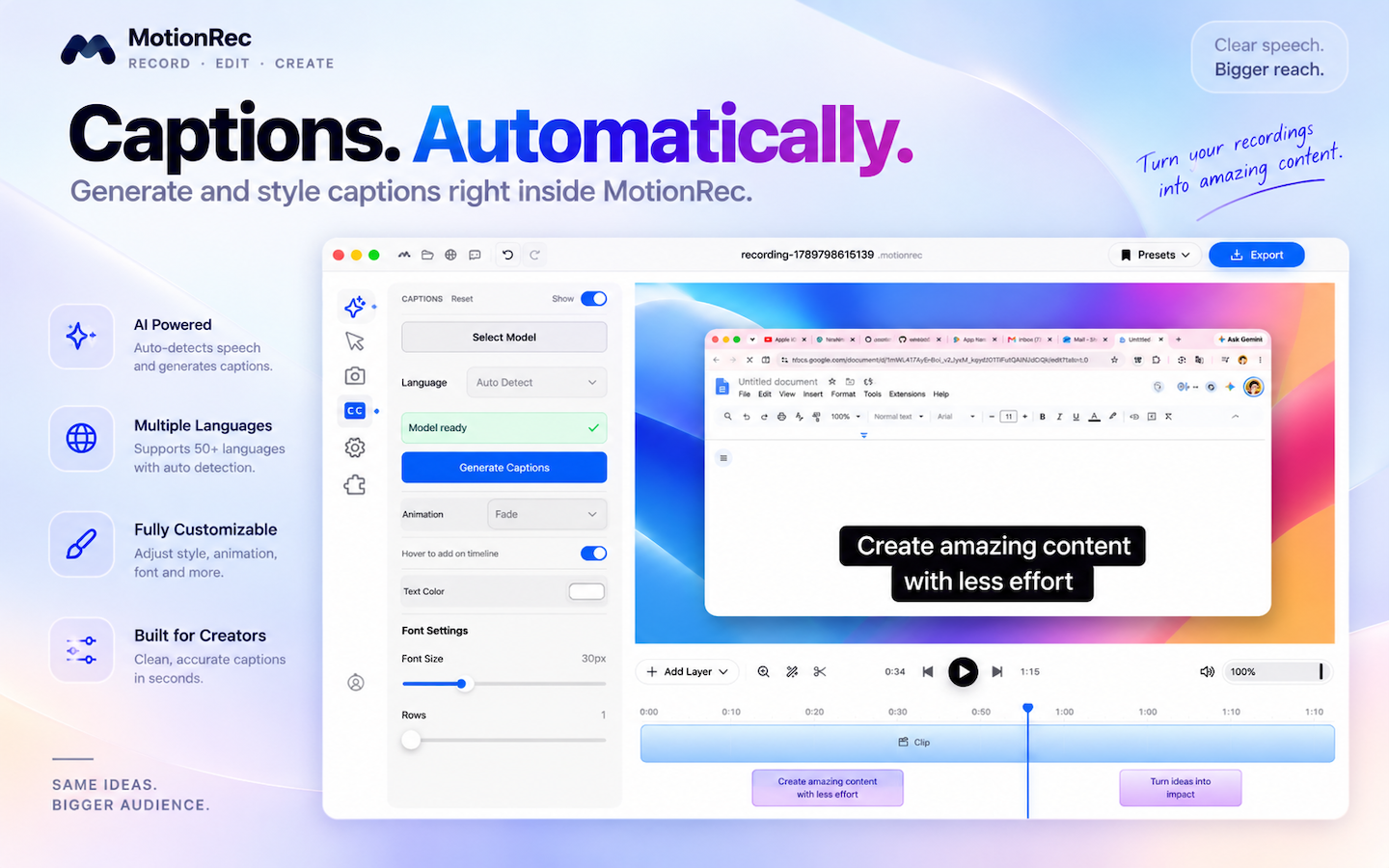
Features
From capture to captions, MotionRec keeps the workflow on your Mac.
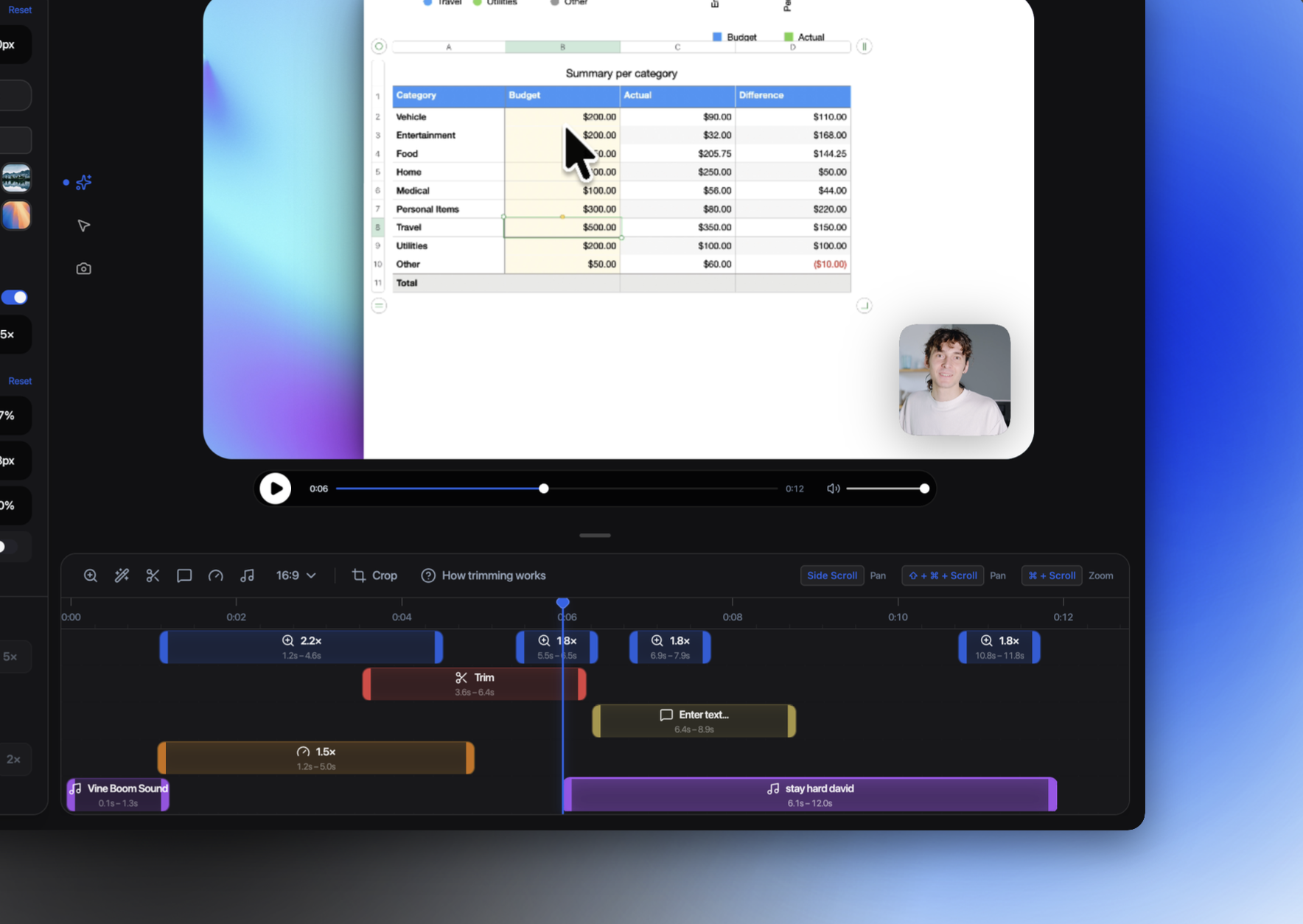
Automatically focus on important clicks and interactions.
Capture your full display or individual windows.
Record Mac audio and your microphone.
Add your camera to recordings.
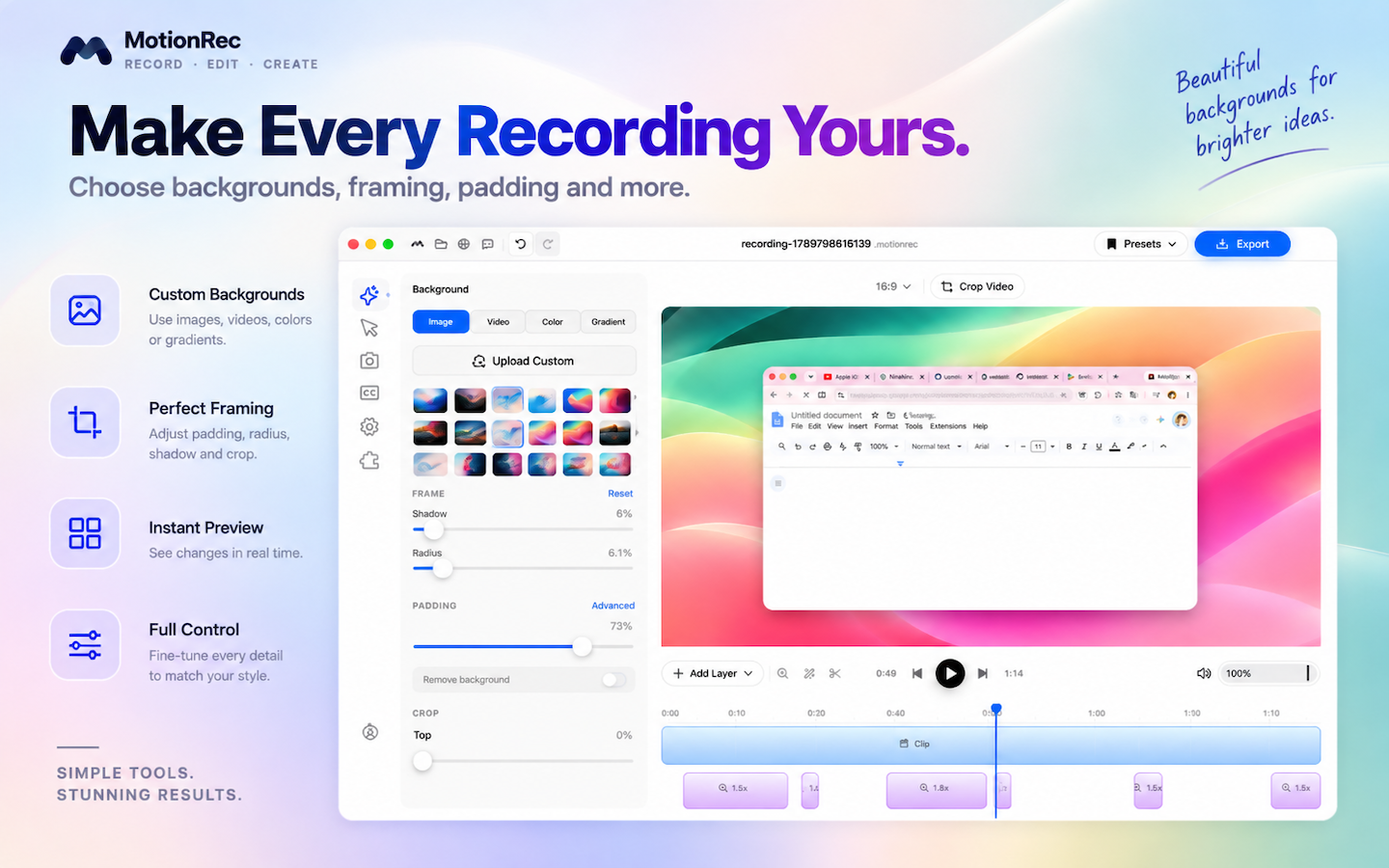
Use images, colors, gradients and video backgrounds.
Adjust zoom, framing, padding, corner radius, shadows, crop and other visual settings.
Generate captions locally from recorded speech.
Create content for landscape, portrait and social formats.
Separate and adjust recorded audio tracks.
Export polished videos, including higher-resolution options available with MotionRec Pro.
Automatic Zoom
MotionRec automatically creates smooth zoom moments around your interactions, helping viewers follow what matters without manually animating every click.
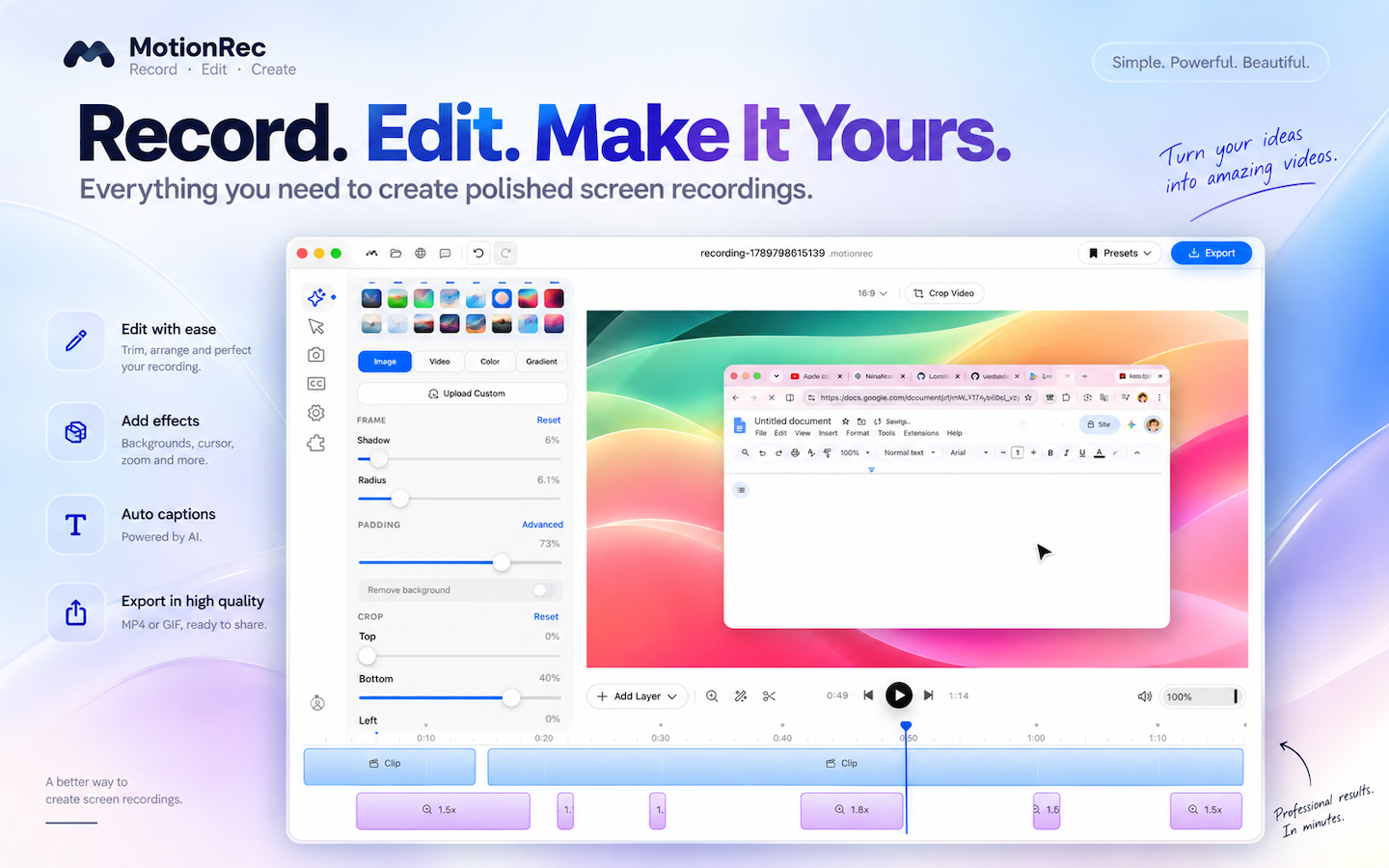
Editing
Fine-tune framing, motion, audio, and captions with a visual editor built for demos and walkthroughs.
Recording
Record screen, system audio, microphone, and camera—then mix them depending on what you are creating.
Capture a display, window, or selected area.
Include what your Mac plays while you record.
Narrate clearly with mic input when you need it.
Overlay your webcam for face-to-face walkthroughs.
MotionRec Pro
Start with a 14-day free trial. Monthly and Annual plans are available through the Mac App Store. Subscriptions are handled by Apple StoreKit—there is no separate checkout on this website.
Includes
14-day free trial
Pricing is localized by Apple on the Mac App Store.
Privacy
MotionRec performs its core recording and editing workflow on your Mac. It does not require a MotionRec account or backend for subscription management—MotionRec Pro is purchased and managed through the Mac App Store with Apple StoreKit.
Requirements
macOS 14.0 or later
Built for Mac with native screen capture helpers.
MotionRec for Mac — record, edit, and export polished videos with automatic zoom.